
From November 2, 2026, any new Microsoft 365 Copilot Business license purchased through a Cloud Solution Provider comes with usage-based billing enabled by default and an Azure subscription attached. The seat price stays fixed, but agent usage and extended features now bill separately through that Azure subscription. Defaults determine who sees those charges and when, so the settings you configure before the first metered session matter.
Microsoft notified CSP partners on September 16, 2026 that the billing model for Copilot Business was changing. Before November 2, usage-based billing was opt-in. After November 2, it is the default state for every new Copilot Business license purchased through a CSP channel. Partners and customers do not have to take any action to activate it; it arrives active.
The change applies to new purchases. Existing licenses are not automatically converted on that date, but any renewal or new seat added after November 2 falls under the new default. If your business works with a CSP for Microsoft integration services, your partner should already be aware of this change and should be reviewing your account configuration ahead of the deadline.
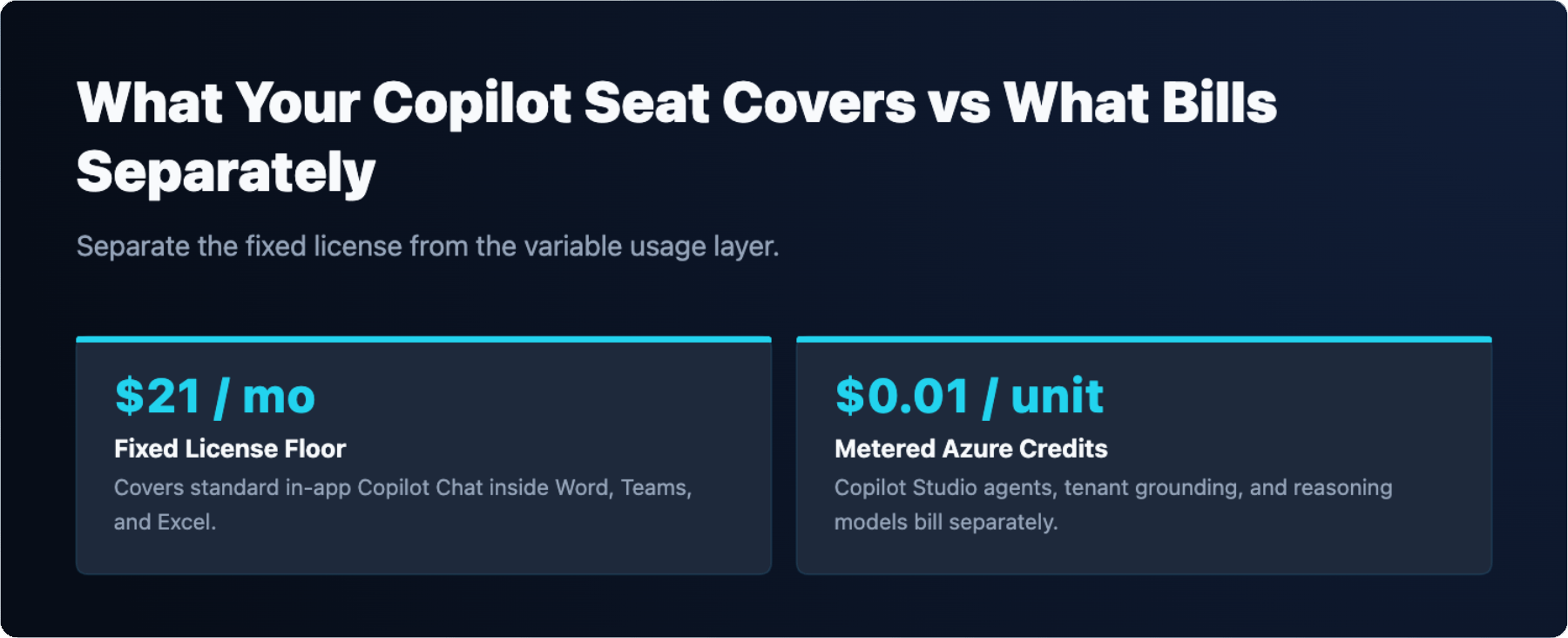
The Copilot Business seat is priced at $21 per user per month on an annual commitment. That seat covers standard Copilot Chat inside Microsoft 365 apps: summarizing emails, drafting documents, searching across Teams conversations, and similar in-app assistance. These interactions do not consume metered credits.
What does consume credits is anything that runs through Copilot Studio agents or uses extended capabilities. Building and deploying an agent, enabling tenant graph grounding, or invoking a reasoning model all trigger metered billing. The seat is the floor; agents and extended features are the variable layer on top. Understanding this boundary is the first step in controlling costs, and it fits naturally into office productivity planning for any team rolling out Copilot.
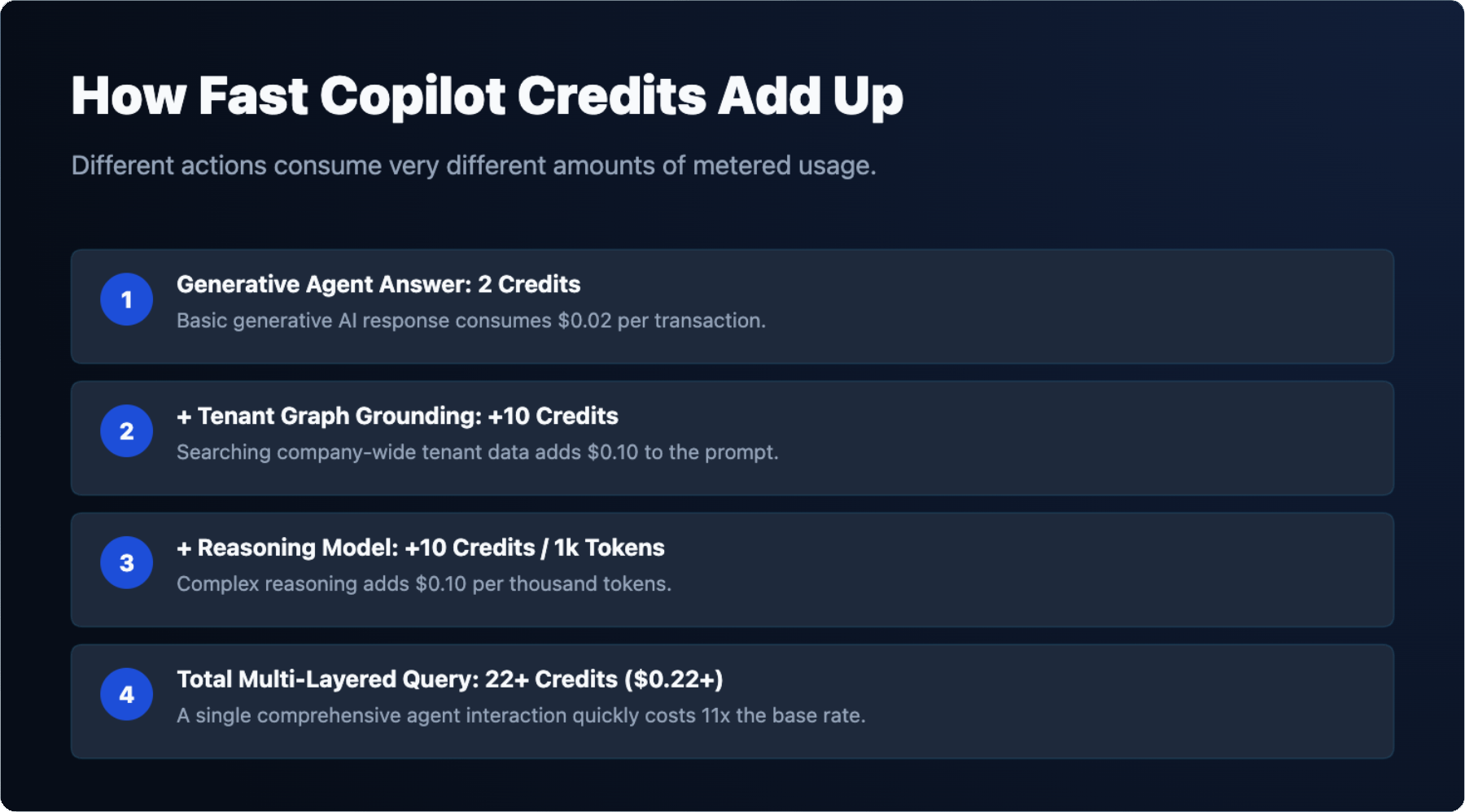
Copilot Credits are the unit of account for metered usage. Each credit costs $0.01 on a pay-as-you-go basis. Different actions consume different numbers of credits. The table below shows the rates documented by Microsoft.
| Action | Credits consumed | Cost at $0.01 per credit |
|---|---|---|
| Generative answer from an agent | 2 credits | $0.02 |
| Tenant graph grounding (added per query) | 10 credits | $0.10 |
| Reasoning-model use (per 1,000 tokens) | 10 credits | $0.10 per 1,000 tokens |
A single agent query that uses tenant graph grounding and a reasoning model can therefore consume significantly more than a plain generative answer. A query that triggers all three layers costs at minimum 22 credits, or $0.22, before token volume is factored in. Volume across a team adds up quickly, which is why the metering structure deserves attention before deployment rather than after.
When usage-based billing is enabled by default, an Azure subscription is attached to the Copilot environment. Understanding what a Microsoft CSP is clarifies who holds that subscription. In a CSP arrangement, the partner typically manages the Azure relationship on the customer’s behalf, which means the partner may be the billing owner unless the subscription is explicitly transferred or configured otherwise.
This matters because the entity that owns the Azure subscription receives the usage invoices. If your CSP partner holds the subscription, they see the charges first. If your business holds it directly, the charges appear on your Azure invoice. Confirm with your CSP partner which model applies to your account before November 2. Ambiguity here leads to billing surprises, not because the charges are hidden, but because the wrong person is watching the meter.
Three admin settings have the most direct effect on metered spending: who can publish agents, whether usage-based billing is active for a given environment, and who receives credit alerts.
Agent publishing rights are controlled in the Power Platform admin center. By default, any licensed user can create and publish an agent. Restricting publishing rights to a defined group limits the number of agents that can generate metered usage. This is a governance decision, not just a cost decision, and it connects to broader AI policy standards your organization should already have in place.
Environment-level billing settings let admins enable or disable usage-based billing per environment. A development or test environment can be isolated from production billing by configuring it separately. Credit alerts in the Power Platform admin center can be set by credit amount or by percentage of a threshold, and the default recipient is the signed-in admin at the time the alert is configured. Change that recipient to a distribution list or a finance contact so alerts reach someone who can act on them.
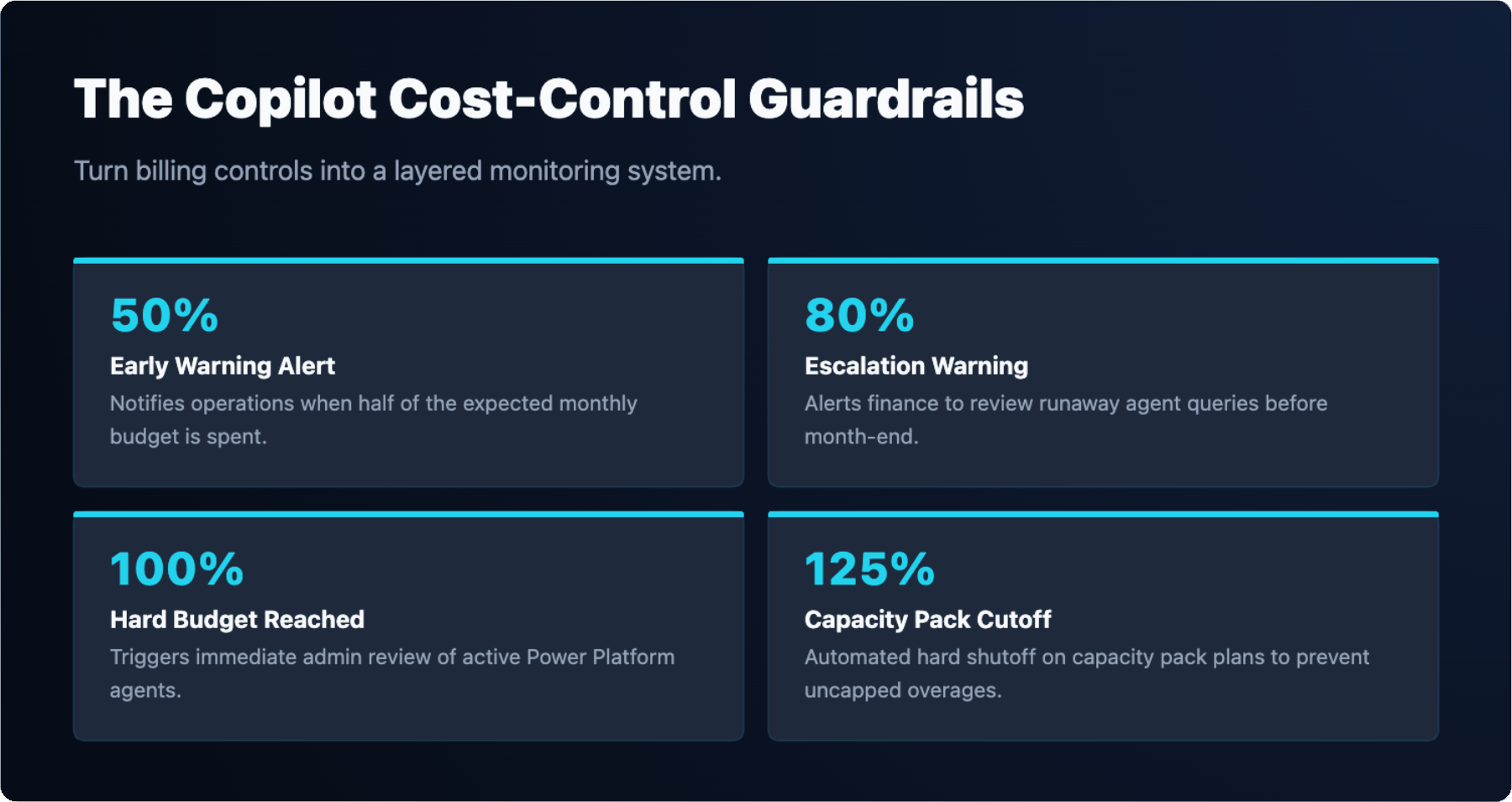
Microsoft surfaces spending controls in two places: the Azure portal for subscription-level budget alerts, and the Power Platform admin center for credit-specific alerts. Use both.
Your vCIO services engagement is the right place to review these settings quarterly, since credit consumption patterns change as teams adopt new agent workflows.
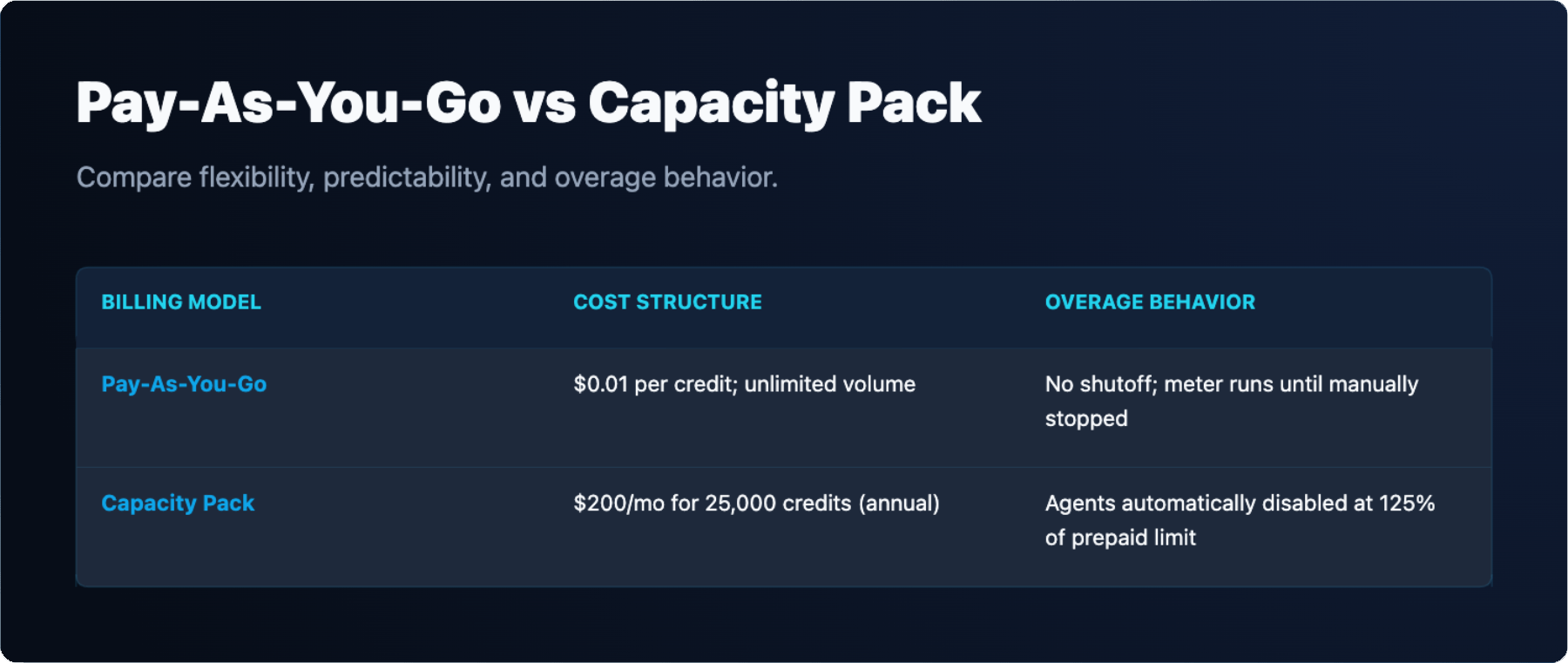
Copilot Studio has a defined behavior when consumption exceeds capacity. Agents are disabled when consumption exceeds 125% of prepaid capacity. This applies to capacity pack purchases. On a pay-as-you-go model, there is no automatic shutoff at a fixed percentage; charges continue to accrue until an Azure budget alert fires or an admin intervenes manually.
The 125% threshold means a capacity pack gives a small buffer above the prepaid amount before agents stop responding. Users who hit a disabled agent see an error or no response, depending on how the agent is surfaced. There is no grace period for pay-as-you-go; the meter runs until it is stopped. This distinction is the primary reason to prefer capacity packs if your usage is predictable, and to set Azure budget alerts aggressively if you stay on pay-as-you-go.
Microsoft offers three ways to pay for Copilot Credits beyond the included seat allowance. Each has a different cost structure and a different risk profile for small business.
| Option | Price | Credit volume | Overage behavior |
|---|---|---|---|
| Pay-as-you-go | $0.01 per credit | Unlimited, metered | Charges continue; no automatic shutoff |
| Copilot Studio capacity pack | $200/month (annual commitment) | 25,000 credits/month | Agents disabled at 125% of prepaid capacity |
| Pre-purchase credits | [ADD: per-credit rate for pre-purchase credits from Microsoft Learn documentation] | [ADD: volume and expiry terms from Microsoft Learn documentation] | [ADD: overage behavior for pre-purchase credits from Microsoft Learn documentation] |
For a small business with predictable agent usage, a capacity pack at $200 per month for 25,000 credits provides a known monthly cost and a built-in shutoff. For unpredictable or low-volume usage, pay-as-you-go keeps the baseline cost low but requires tighter alert configuration to avoid unexpected charges.
Complete these steps before November 2, 2026. Each item includes the admin center and the specific setting name.


